

Trade with NonKYC
Scan to download and start trading — secure & KYC-free.
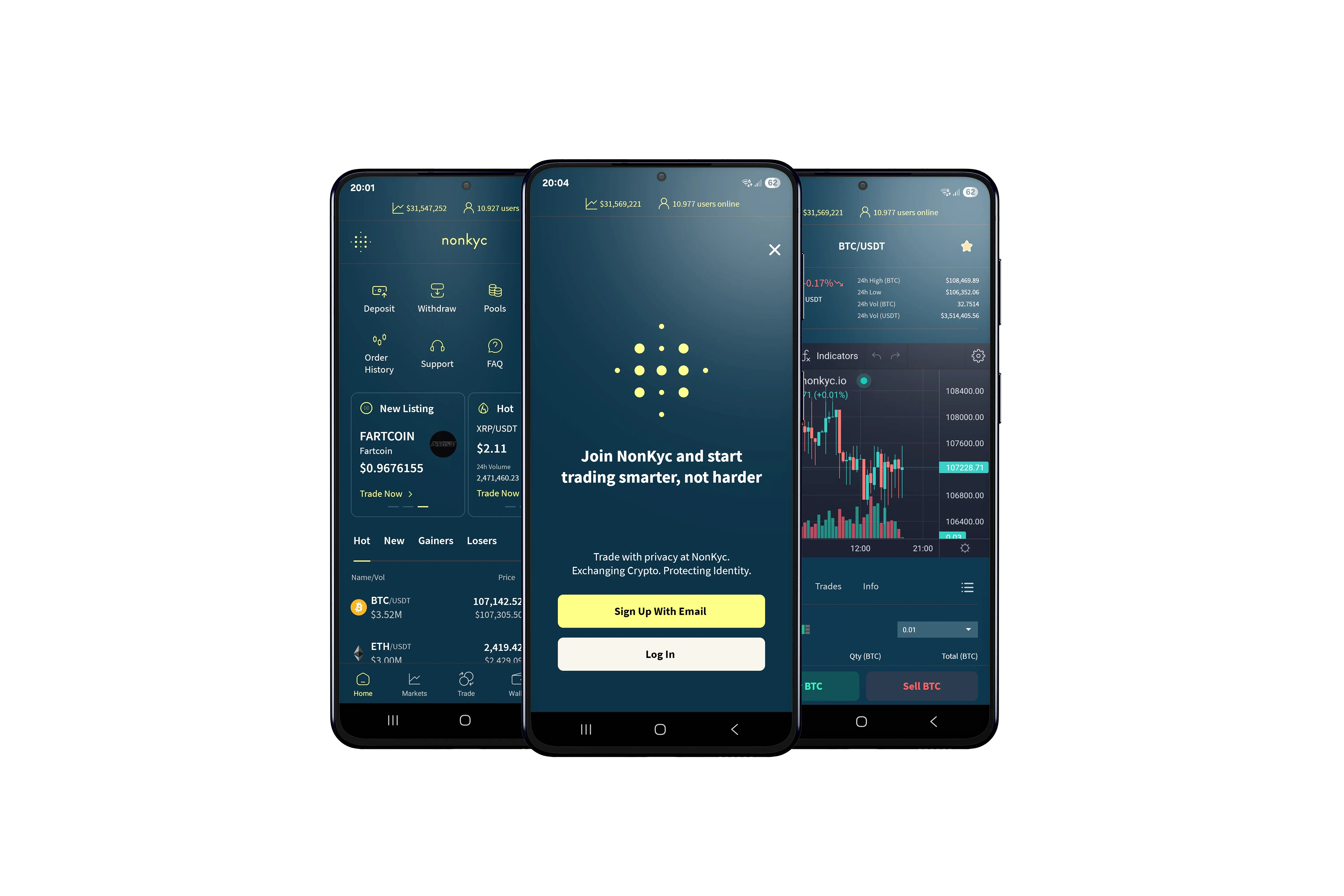
Download our app today
Android
How to Install an APK File on Android
- Enable Unknown Sources in Android settings.
- Download the APK: https://nonkyc.at/download/latestAPK
- Locate the file in Downloads.
- Tap the APK → Install.
- Open the app.
Note: Download APKs only from trusted sources.
iOS
Easy Guide: Add NonKyc iOS Trading App to iPhone/iPad Home Screen
NonKyc is an iOS Trading App that behaves like a real app on your iPhone or iPad. You’ll use Safari to add it.
(Make sure JavaScript is enabled in Safari: Settings > Safari > Advanced > JavaScript.)
- Open Safari on your iPhone or iPad.
- Type https://ios.nonkyc.io/ and go. Log in if needed—the site should load (if not, check JavaScript).
- Tap the Share button (square with the up arrow — bottom on iPhone, top on iPad).
- Scroll down and tap “Add to Home Screen”.
- Edit the name if you want (e.g., “NonKyc Exchange”), then tap “Add”.
Boom! The icon is on your Home Screen. Tap it to open the Trading App.
Done! If it doesn’t work, update iOS or contact NonKyc support. https://nonkyc.at/support